
Create Authentic Undertale Dialogue Boxes
Generate pixel-perfect text boxes with classic fonts, character portraits, and typewriter animations. Perfect for fan content, memes, and roleplay.

Undertale Text Box Generator
Create authentic Undertale & Deltarune style dialogue boxes
\color codes to change text colorQuick Presets
Start from a scene, then tweak text, sprite, and export.
Quick Export
MP4 is exported separately below so video export can keep sound.
What is Undertale Text Box Generator
A free online tool that lets you create authentic Undertale-style dialogue boxes with pixel-perfect accuracy, just like in the game. Choose a font and portrait, preview the typewriter timing, then export the finished box as PNG, GIF, or MP4.
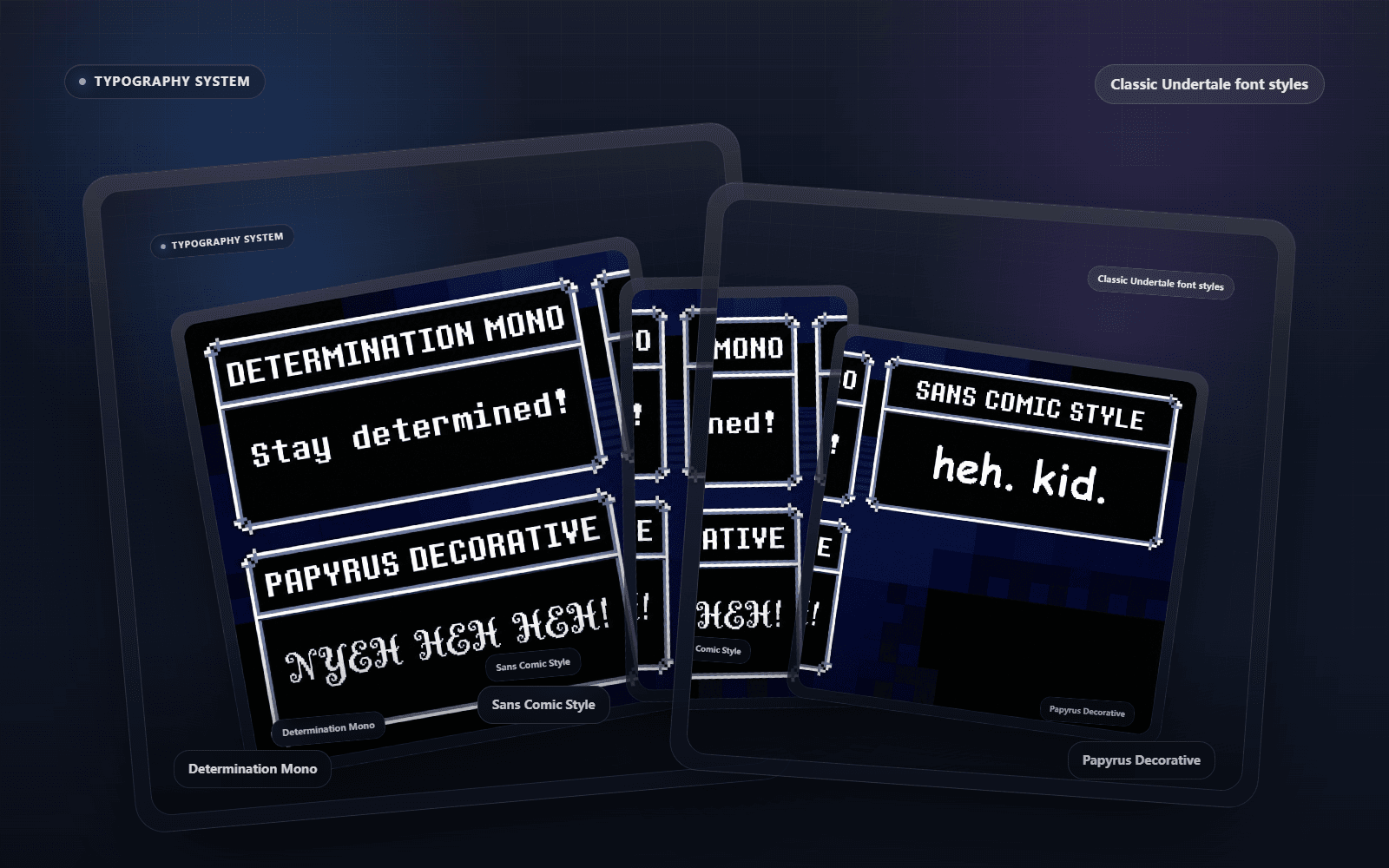
Typography System
Pixel-Perfect Fonts
Choose Determination Mono for classic narration, Sans Comic Style for laid-back dialogue, or Papyrus Decorative for louder character moments. Switch fonts while you edit to match the voice before you export.
- Determination Mono
- Sans Comic Style
- Papyrus Decorative
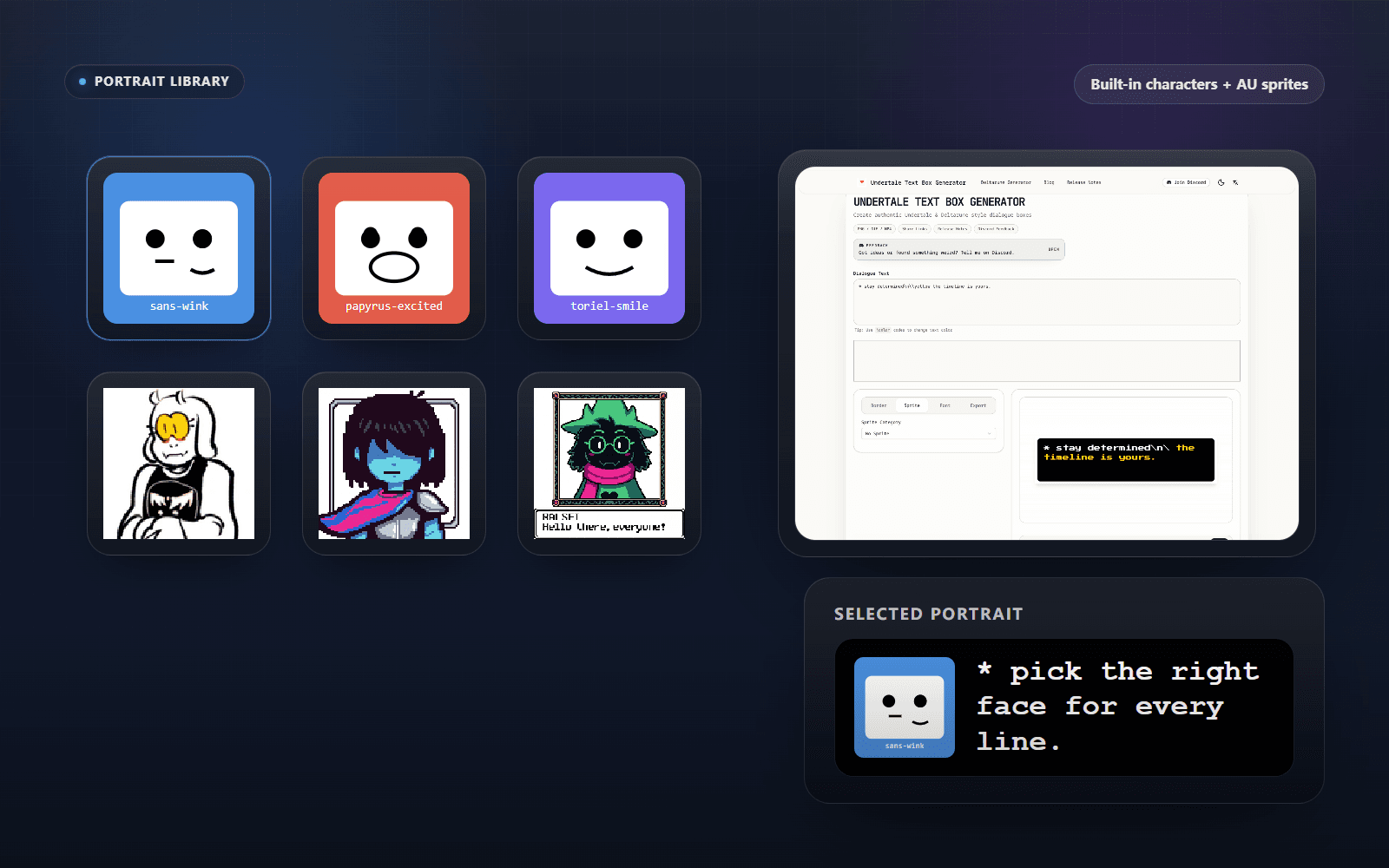
Portrait Library
Character Portraits
Browse built-in Undertale and Deltarune characters, AU sprites, or your own uploaded portraits. Pick an expression for Sans, Papyrus, Toriel, and more, then see the selected face beside the line.
- Built-in Characters
- AU Sprites
- Selected Portrait
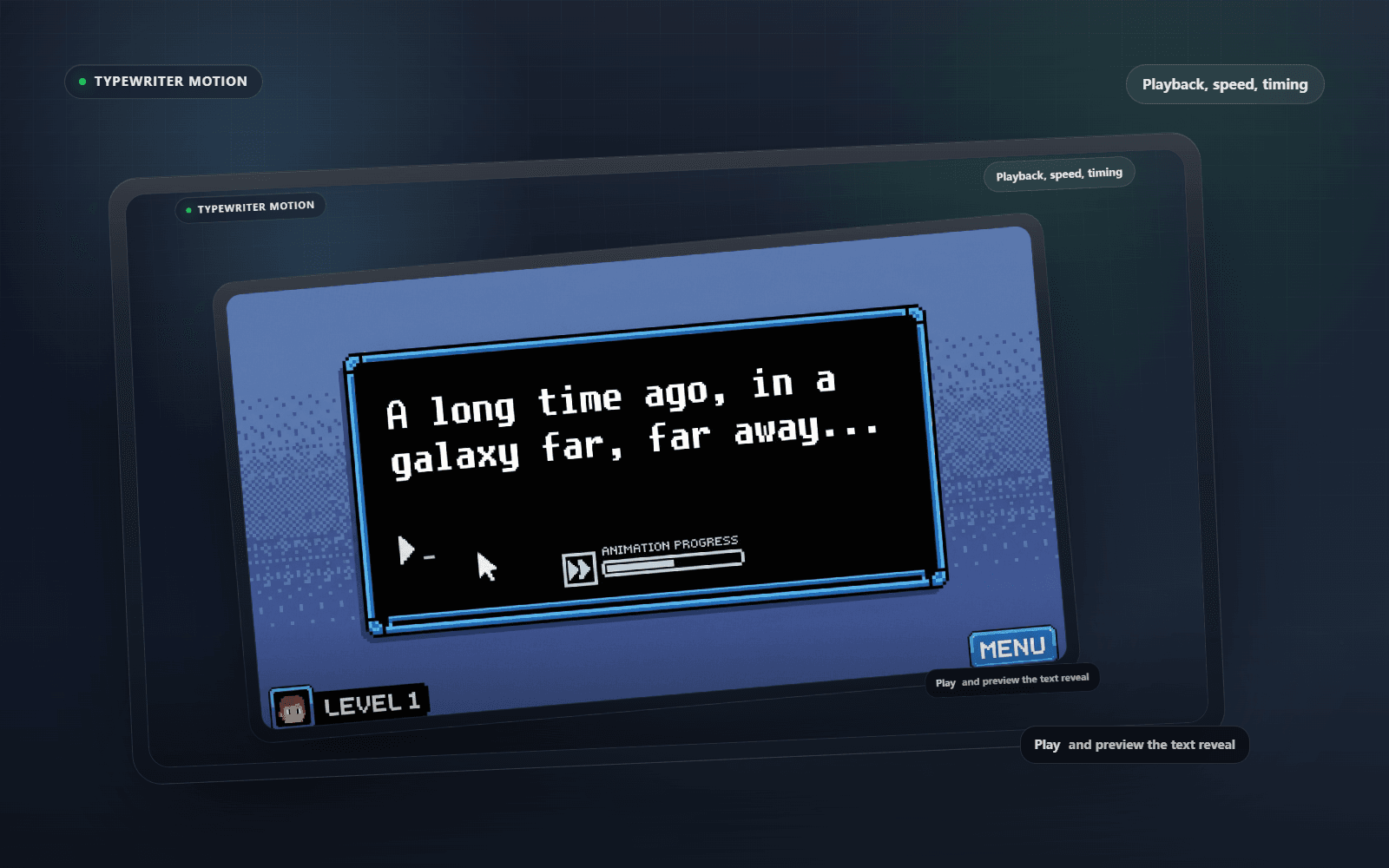
Typewriter Motion
Typewriter Animation
Press Play to preview the iconic letter-by-letter reveal before downloading. Adjust playback speed and timing until the dialogue lands at the pace you want in GIF and MP4 exports.
- Playback Preview
- Adjustable Speed
- Export Timing
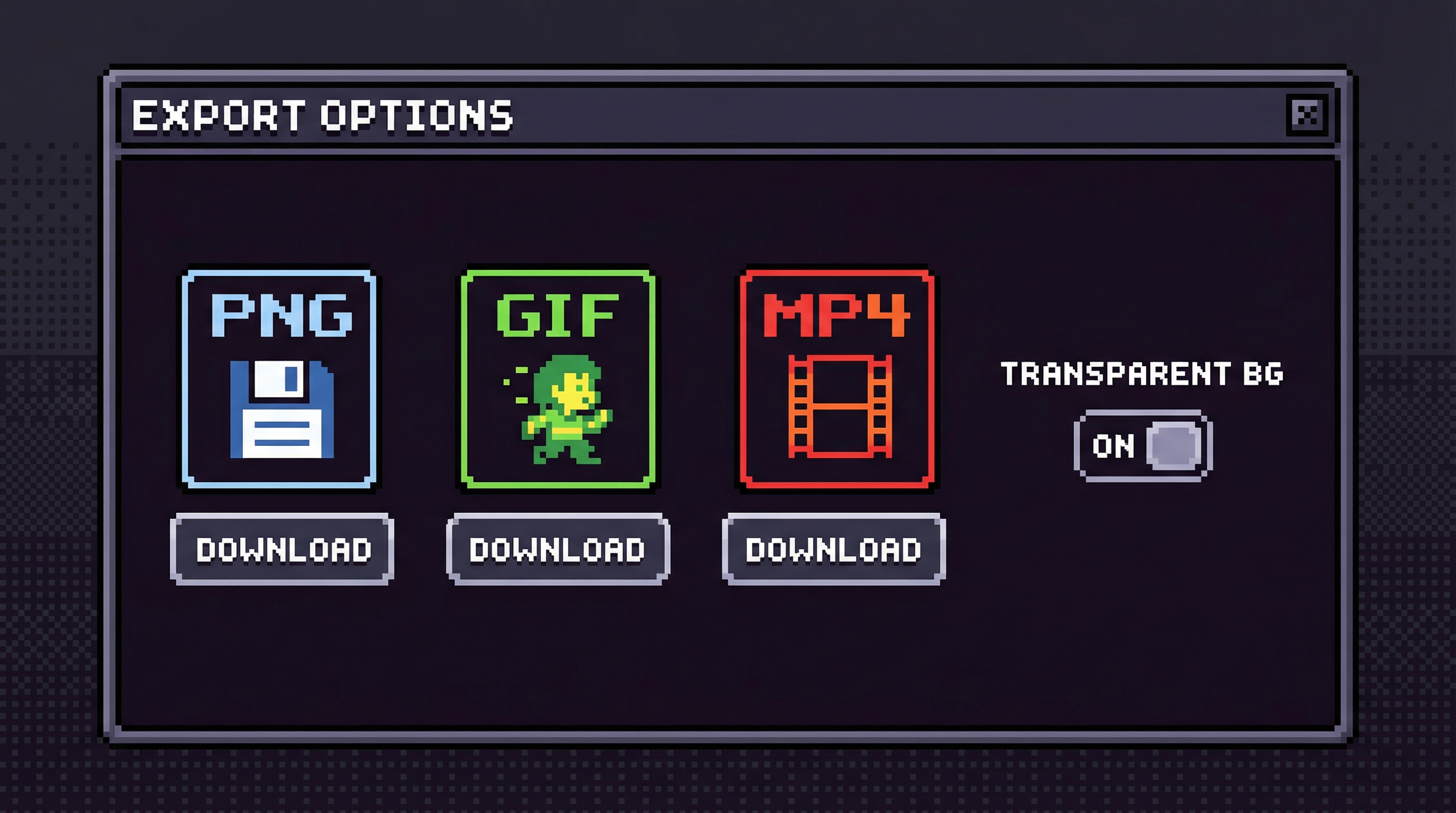
Export Suite
Easy Export
Download a transparent PNG for a still, a looping GIF for motion, or an MP4 with typing sound. Keep the same finished dialogue for social posts, edits, or a ready-to-share link.
- PNG / GIF / MP4
- Share Link Ready
- Transparent Backgrounds
How to Use Undertale Text Box Generator
Create authentic dialogue boxes in 4 simple steps:
Enter Dialogue
Type your text in the box. Use * for bullets and codes like \yellow, \red for colors.
Select Character
Choose from our massive library of Undertale & Deltarune sprites or upload your own.
Customize Style
Adjust fonts (Sans, Papyrus), border styles, and text animation speed.
Export & Share
Download as transparent PNG, or export as MP4 video to share on social media.
Key Features of Undertale Text Box Generator
Everything you need to create authentic game-style dialogue boxes.
Multi-line Text Input
Write paragraphs with automatic asterisk (*) prefix. Use color codes like \yellow, \red for colored text.
Classic Pixel Fonts
Built-in Determination Mono, Sans, Papyrus, and other authentic fonts from the game.
Character Portraits
Extensive library including Undertale, Deltarune, and Undertale Yellow (Clover, Martlet) expressions.
Multiple Box Styles
Standard dialogue boxes, battle boxes, and special colors (red, yellow) to match game moments.
Typewriter Animation
Adjustable text reveal speed that mimics the game's iconic dialogue effect. Preview in real-time.
PNG Export
Download high-quality images with transparent or black backgrounds. Perfect for social media sharing.
Frequently Asked Questions
Learn more about our Undertale dialogue generator.
Need help, want to share a creation, or have a feature idea? Join our Discord community or email us.
Start Creating Your Dialogue Box Now
Join thousands of fans creating authentic Undertale-style content for free.
Independent directories
Featured On
Undertale Text Box Generator is listed on independent tool and product discovery directories.


